Debian
Table of Contents
1. Upgrading to a new release
1.1. Recording the session
It is strongly recommended that you use the /usr/bin/script program
to record a transcript of the upgrade session. Then if a problem
occurs, you will have a log of what happened, and if needed, can
provide exact information in a bug report. To start the recording,
type:
script -t 2>~/upgrade-bookwormstep.time -a ~/upgrade-bookwormstep.script
or similar. If you have to rerun the typescript (e.g. if you have to
reboot the system) use different step values to indicate which step
of the upgrade you are logging. Do not put the typescript file in a
temporary directory such as /tmp or /var/tmp (files in those
directories may be deleted during the upgrade or during any restart).
The typescript will also allow you to review information that has
scrolled off-screen. If you are at the system’s console, just switch
to VT2 (using Alt+F2) and, after logging in, use less -R
~root/upgrade-bookworm.script to view the file.
After you have completed the upgrade, you can stop script by typing
exit at the prompt.
apt will also log the changed package states in
/var/log/apt/history.log and the terminal output in
/var/log/apt/term.log. dpkg will, in addition, log all package
state changes in /var/log/dpkg.log. If you use aptitude, it will
also log state changes in /var/log/aptitude.
If you have used the -t switch for script you can use the
scriptreplay program to replay the whole session:
scriptreplay ~/upgrade-bookwormstep.time ~/upgrade-bookwormstep.script
3. New format for configuring APT sources
- https://wiki.debian.org/SourcesList#sources.list_format
- https://www.debian.org/doc/manuals/debian-reference/ch02.en.html#_debian_archive_basics
- https://manpages.debian.org/stable/apt/sources.list.5.en.html#DEB822-STYLE_FORMAT
This is a new format supported by apt itself since version 1.1. Previous versions ignore such files with a notice message as described earlier. It is intended to make this format gradually the default format, deprecating the previously described one-line-style format, as it is easier to create, extend and modify for humans and machines alike especially if a lot of sources and/or options are involved.
Not mentioned yet in the handbook as of Debian 12 (bookworm).
4. Package management
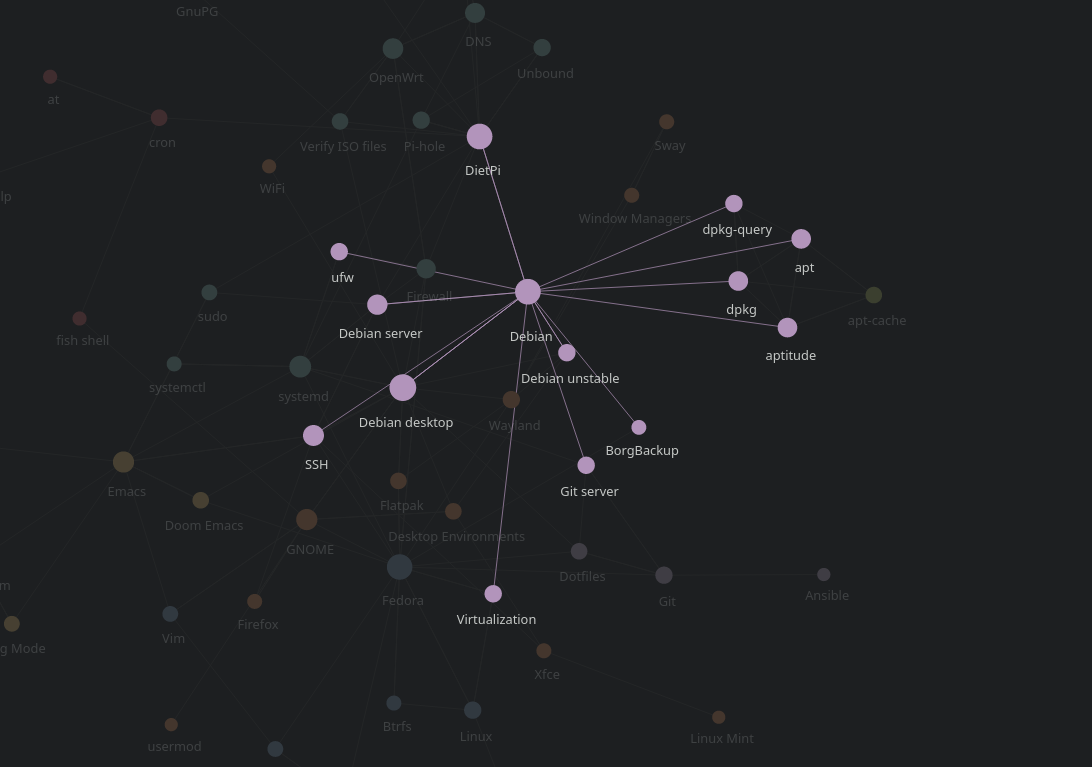
4.1. Related nodes
4.2. Packaging system
4.2.1. dpkg database
The /var/lib/dpkg/info/ directory contains the packages
configuration scripts while the /var/lib/dpkg/status file contains
info about packages description, dependencies, conffiles etc.
5. Debian Installer d-i
5.1. Software selection
See tasksel README for more info.
On exit,
taskselexecutes the appropriate command to install the selected packages. If the-toption is given, thentaskselprints out the command line to use to stdout instead. All other messages are printed to stderr.
6. Specific guides
Shell commands user guide: https://www.debian.org/doc/manuals/debian-reference/
7. Related nodes
8. References
- https://www.debian.org/
- https://www.debian.org/doc/
- https://www.debian.org/doc/debian-policy/
- https://www.debian.org/releases/stable/installmanual
- https://www.debian.org/releases/stable/amd64/install.en.txt
- https://debian-handbook.info/browse/stable/
- https://wiki.debian.org/DebianReleases#Production_Releases
- https://wiki.debian.org/