DietPi
Table of Contents
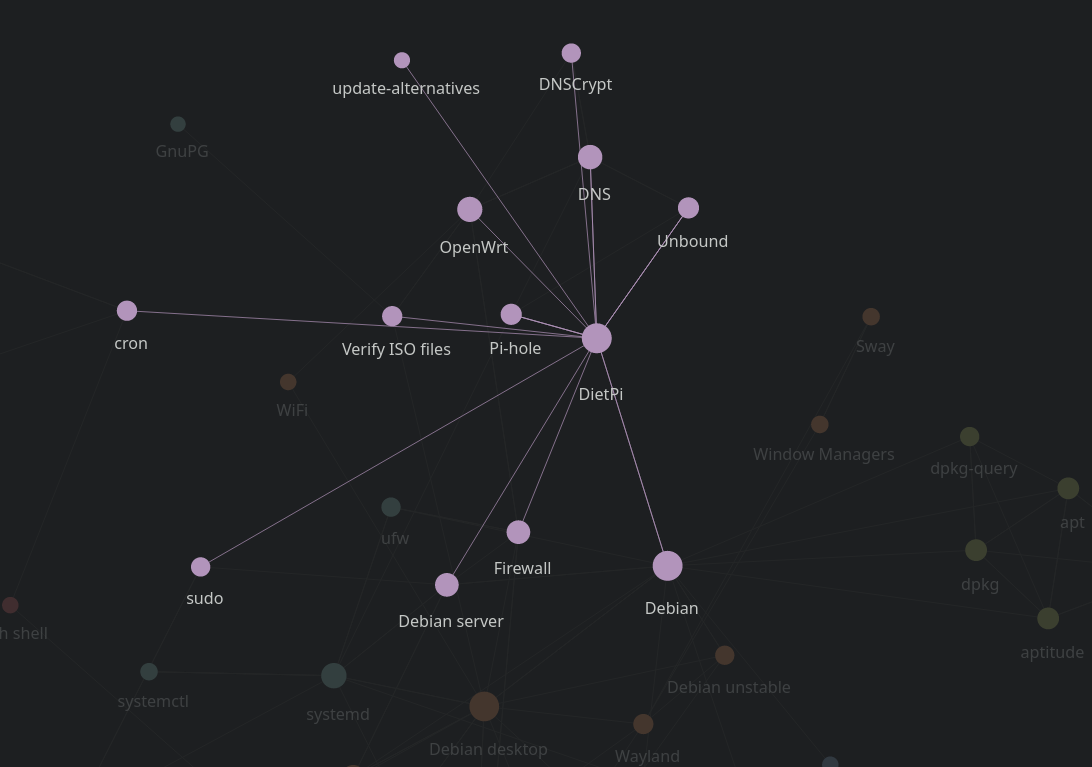
1. Description
Some notes about DietPi.
2. Installation
2.1. Download, verify, extract
- Download https://dietpi.com/#download
- Do not extract the
<dietpi>.img.xzarchive before verifying the download integrity - See notes:verify-iso-files (the public key can be requested from
keyserver.ubuntu.com, more info: https://github.com/MichaIng/DietPi/issues/6682) - Run
xz -d <dietpi>.img.xzto extract the image into the current directory
2.2. Flash installation medium
Use gnome-disks to format the disk with no partitions.
Use fdisk to fix problems with existing partitions if needed (see
notes:fdisk).
See notes:flash-usb
2.3. Configure dietpi.txt and if needed dietpi-wifi.txt
- https://dietpi.com/docs/install/ (ctrl-f
wifi)
diff --git a/dietpi.txt b/dietpi.txt
index 3df2a09c..e62571d8 100644
--- a/dietpi.txt
+++ b/dietpi.txt
@@ -11,10 +11,10 @@
 AUTO_SETUP_LOCALE=C.UTF-8

 # Keyboard layout e.g.: "gb" / "us" / "de" / "fr"
-AUTO_SETUP_KEYBOARD_LAYOUT=gb
+AUTO_SETUP_KEYBOARD_LAYOUT=fr

 # Time zone e.g.: "Europe/London" / "America/New_York" | Full list: https://en.wikipedia.org/wiki/List_of_tz_database_time_zones
-AUTO_SETUP_TIMEZONE=Europe/London
+AUTO_SETUP_TIMEZONE=Europe/Paris

 ##### Network options #####
 # Enable Ethernet or WiFi adapter: 1=enable | 0=disable
@@ -25,7 +25,7 @@ AUTO_SETUP_NET_WIFI_ENABLED=0

 # WiFi country code: 2 capital letter value (e.g. GB US DE JP): https://en.wikipedia.org/wiki/ISO_3166-1_alpha-2
 # - NB: This choice may be overridden if the WiFi access point sends a country code.
-AUTO_SETUP_NET_WIFI_COUNTRY_CODE=GB
+AUTO_SETUP_NET_WIFI_COUNTRY_CODE=FR

 # Enter your static network details below, if applicable.
 AUTO_SETUP_NET_USESTATIC=0
@@ -38,7 +38,7 @@ AUTO_SETUP_NET_STATIC_DNS=9.9.9.9 149.112.112.112
 AUTO_SETUP_DHCP_TO_STATIC=0

 # Hostname
-AUTO_SETUP_NET_HOSTNAME=DietPi
+AUTO_SETUP_NET_HOSTNAME=framboise

 # Force Ethernet speeds: 0=automatic speed | 10 = 10 Mbit/s | 100 = 100 Mbit/s etc.
 # - Use this when your Ethernet adapter has an unstable 1 Gbit/s link.
@@ -83,7 +83,7 @@ AUTO_SETUP_BACKUP_RESTORE=0

 ##### Software options #####
 # SSH server choice: 0=none/custom | -1=Dropbear | -2=OpenSSH
-AUTO_SETUP_SSH_SERVER_INDEX=-1
+AUTO_SETUP_SSH_SERVER_INDEX=-2

 # SSH server pubkey
 # - Public key(s) for "root" and "dietpi" users, which will be added to ~/.ssh/authorized_keys
@@ -143,7 +143,7 @@ AUTO_SETUP_GLOBAL_PASSWORD=dietpi
 #------------------------------------------------------------------------------------------------------
 # DietPi-Survey: 1=opt in | 0=opt out | -1=ask on first call
 # - https://dietpi.com/docs/dietpi_tools/#miscellaneous (see tab 'DietPi Survey')
-SURVEY_OPTED_IN=-1
+SURVEY_OPTED_IN=0

 #------------------------------------------------------------------------------------------------------
 ##### DietPi-Config settings #####
3. Configuration
3.1. Select which user starts a program with dietpi-autostart
3.2. Show available memory on dietpi-banner
free -m | awk '/^Mem:/ {print $7 " MiB"}'
3.3. Changing the default editor
See notes:ln
DietPi use nano by default, we can change that with a symbolic link
named under /usr/local/bin/nano pointing to /usr/bin/vim.basic
which will have priority over nano itself in /usr/bin/nano.
sudo ln --verbose --symbolic /usr/bin/vim.basic /usr/local/bin/nano
3.4. Show the DietPi banner only in tmux
- https://github.com/MichaIng/DietPi/issues/4786
- https://github.com/MichaIng/DietPi/commit/6115fcd3d121fa4c9b0a51283f6d1c78430826a5
# ~/.config/bash/dietpi.bash

if ! [[ -f ~/.hushlogin ]]
then
    touch ~/.hushlogin
fi

[[ -n $TMUX ]] && dietpi-banner 1
4. Return SoC temperature
vcgencmd measure_temp