Fedora
Table of Contents
1. Installation
- Download ISO
- Verify ISO: https://fedoraproject.org/keys
Do not enable third party repositories during the installation, Enable RPM Fusion from CLI instead (see RPM Fusion) to avoid uneeded repositories.
2. RPM Fusion
- Import keys https://rpmfusion.org/keys
- Install repositories https://rpmfusion.org/Configuration
2.1. Multimedia (ffmpeg, codecs)
- Switch to full ffmpeg https://rpmfusion.org/Howto/Multimedia
- Install
multimediapackage group from Fedora repository
sudo dnf group install multimedia
3. Configuration
3.1. Firewall
firewalld is enabled and running by default on Fedora Workstation.
3.2. Vim workflow
- Default editor: dnf.html#vim
- GNOME workspaces motions: gsettings.html#vim
3.3. Enable Flathub
flatpak remote-add --user --if-not-exists flathub https://flathub.org/repo/flathub.flatpakrepo
3.4. Virtualization
Install @virtualization package group and enable libvirtd service.
sudo dnf install @virtualization
sudo systemctl enable libvirtd.service
3.5. GRUB
Infos about choosing another kernel on boot.
On systems with only a single OS installed, the grub menu does not offer any useful functionality, so we should hide it by default.
This new auto-hide functionality will be automatically enabled on new Fedora Workstation installs. This can be disabled by running:
sudo grub2-editenv - unset menu_auto_hide
To reenable it
sudo grub2-editenv - set menu_auto_hide=1
4. Firefox RPM repository
5. Fix Emacs
- https://bugzilla.redhat.com/show_bug.cgi?id=1175969
- https://cgit.git.savannah.gnu.org/cgit/emacs.git/tree/etc/emacsclient.desktop
Fix switching to an Emacs client frame with Super-NUM on GNOME by
pinning emacsclient.desktop desktop entry to the dash.
6. Upgrading to a new release
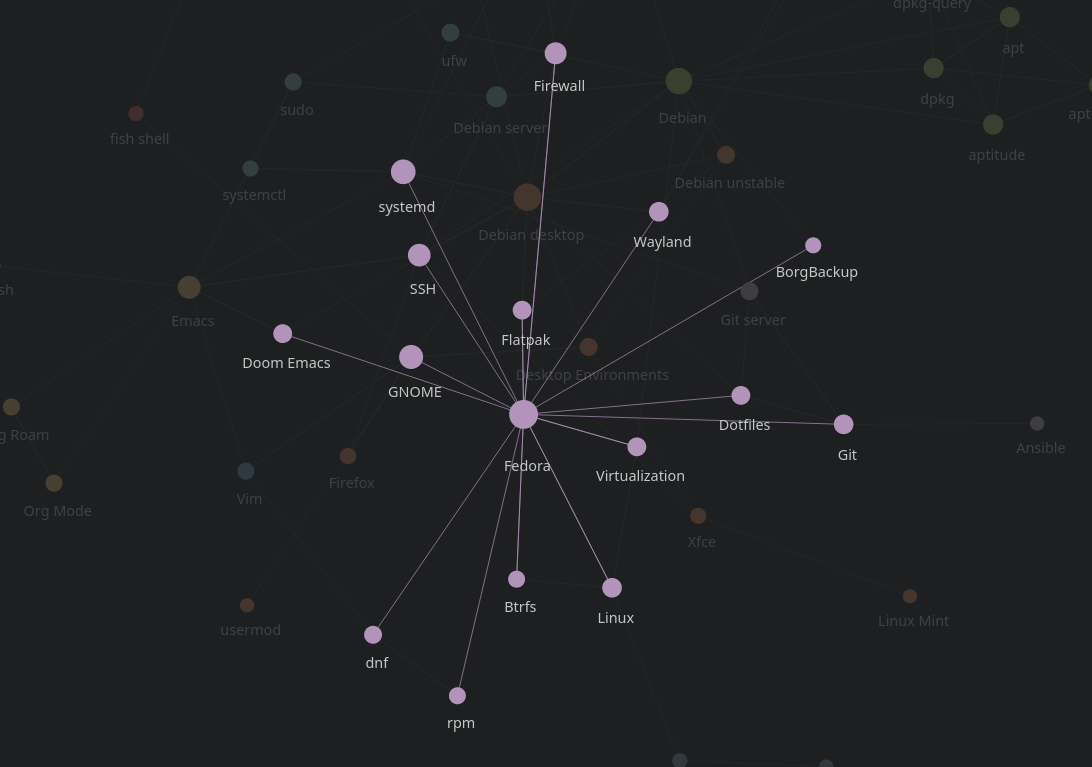
8. Related nodes
9. References
- https://discussion.fedoraproject.org/
- https://docs.fedoraproject.org/en-US/fedora/latest/
- https://docs.fedoraproject.org/en-US/tools/
- https://en.wikipedia.org/wiki/Fedora_Linux_release_history#Release_history
- https://fedoraproject.org/wiki/Changes/Metrics
- https://fedoraproject.org/wiki/Changes/Telemetry